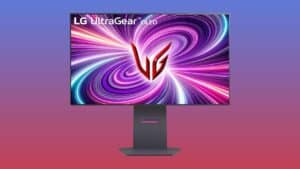
Here’s a hidden feature that makes your LG OLED TV even better for gaming
Unlock ultrawide gaming on your LG OLED TV

Share this article...


WePC is reader-supported. When you buy through links on our site, we may earn an affiliate commission. Prices subject to change. Learn more
If you didn’t already know by now, OLED TVs are some of the best for gaming, with the likes of LG’s C-series OLEDs being a fan-favorite for both console and PC gaming – the latter thanks to the smallest 42-inch model being a versatile option. However, did you know that you can effectively use them as an ultrawide gaming monitor?
LG introduced ultrawide aspect ratios to some of the their most recent OLED TVs, so if you’re looking for a display which works as a 4K TV for watching content and an ultrawide monitor for PC gaming, these LG OLEDs have both bases covered. We can explain how it all works!
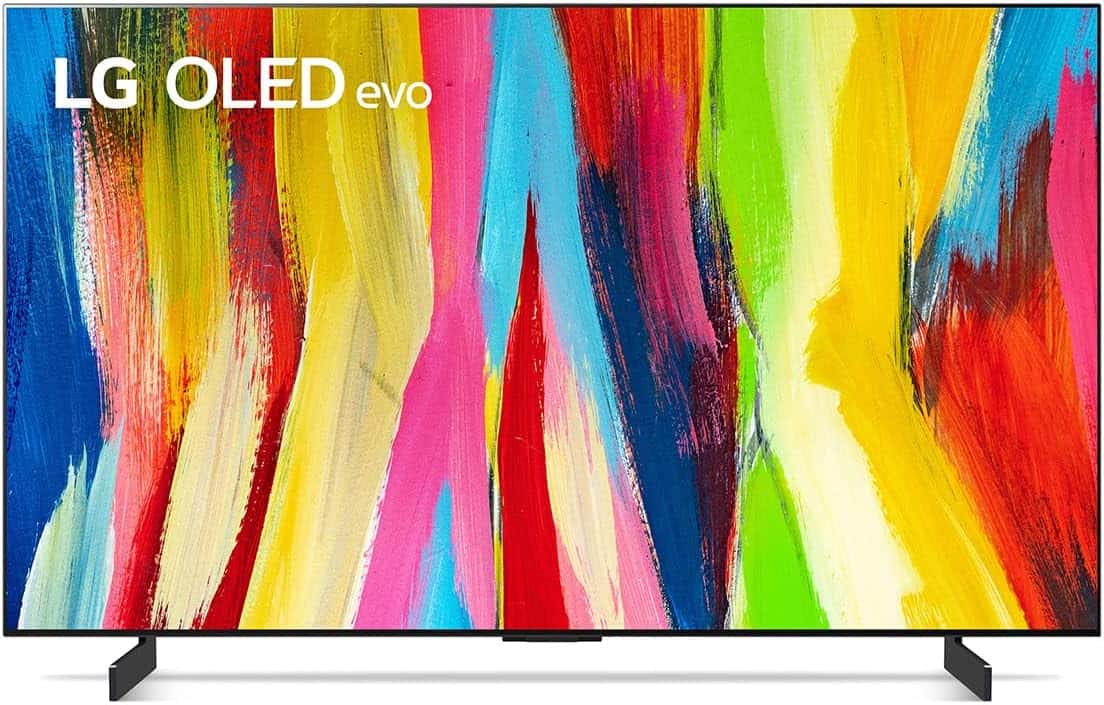
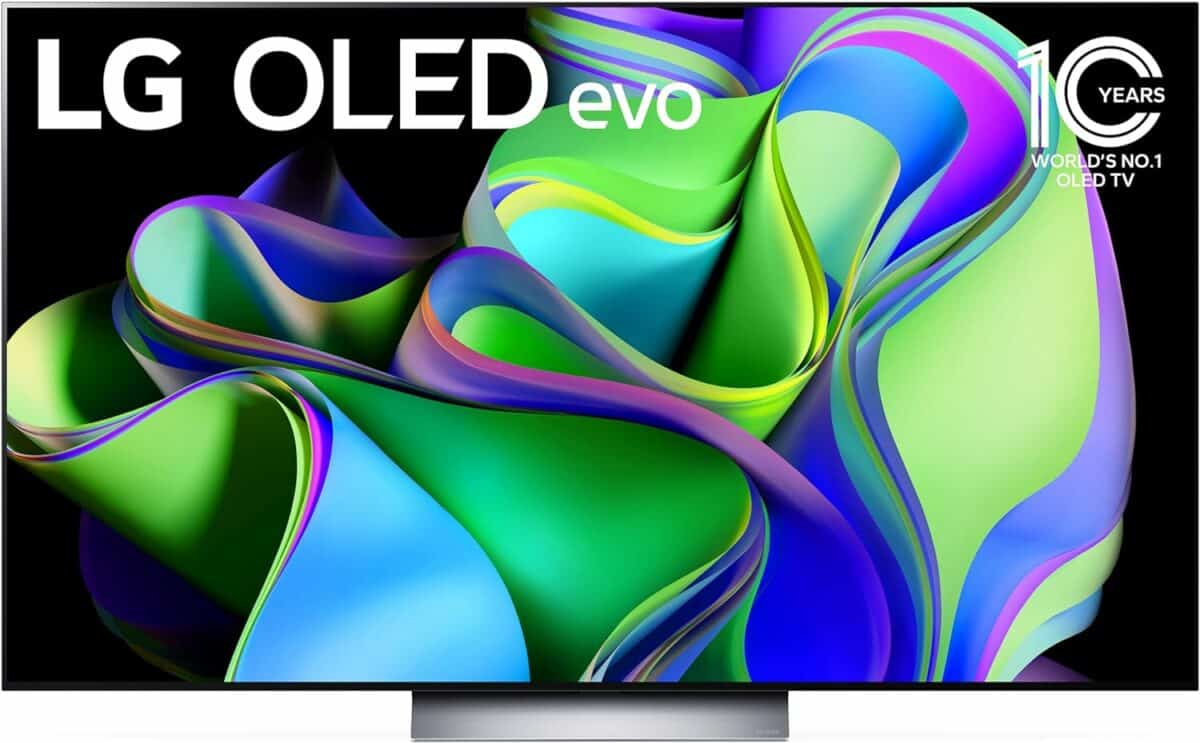
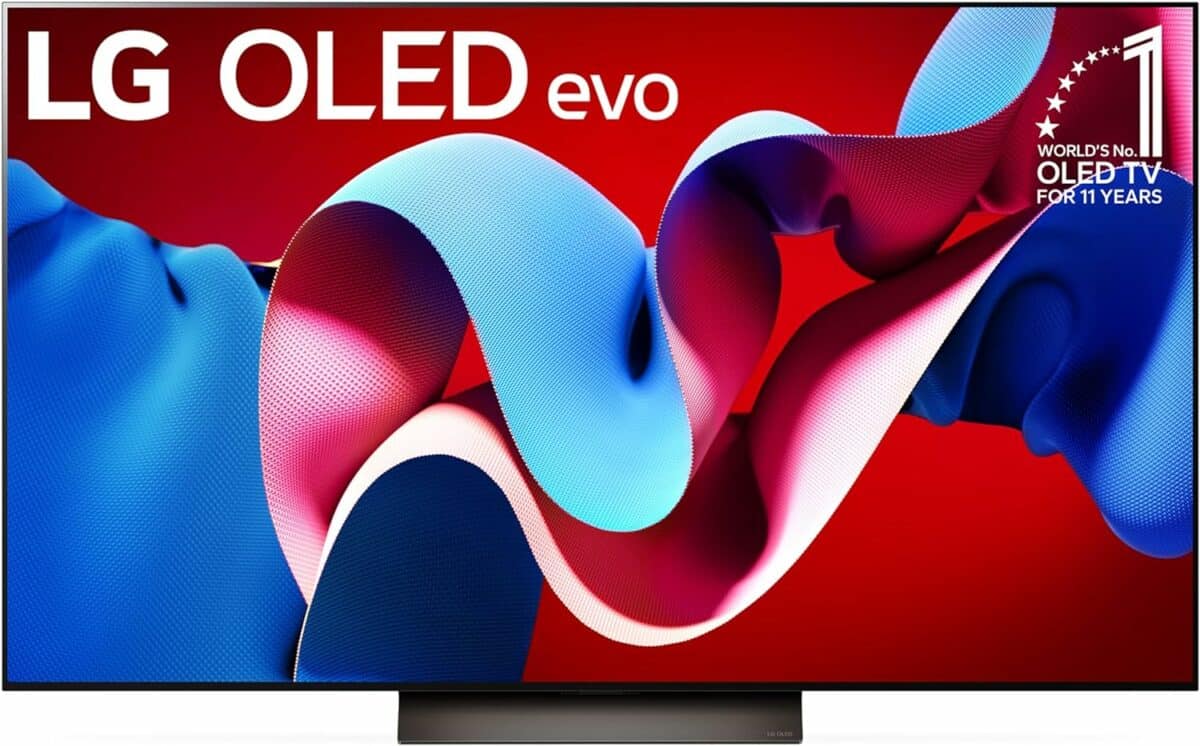

Ultrawide gaming on LG OLED TVs
Starting with the LG C2, this ultrawide aspect ratio mode was introduced natively to the display. This feature remains in the newer models, as well as the more premium G-series. It allows you to quickly switch the standard 16:9 display to a 21:9 or 32:9 aspect ratio for ultrawide and super ultrawide gaming respectively. Perfect if you were thinking about buying the LG C4 OLED.
This of course leaves the display with black bars to accommodate the wider resolution. On the PC side of things, be sure that your operating system’s resolution is set to an ultrawide resolution rather than the standard 4K (3840 x 2160); the same goes for in-game settings if not auto detected.
Do note that this feature is designed for PCs only, as current-gen consoles don’t support ultrawide gaming natively. Instead use your TV’s normal 4K resolution for 16:9 gameplay.
The video below from AllAboutTKK explains everything you need to know about setting this up.
Workaround for ultrawide gaming
If you don’t have the C2 or newer, there are ways of achieving an ultrawide aspect ratio without this native support. For PC users, you can create a custom resolution within the Nvidia Control Panel (or their new Nvidia App) or AMD Radeon Settings.
Sure, this isn’t quite as convenient as support directly through your TV, but it doesn’t take too long to get set up. Ideal if you’re using something like the C1 or older. See below for guides: