What is a good GPU benchmark score?
Comapring your hardware to the rest, what is a good score to hope for?


WePC is reader-supported. When you buy through links on our site, we may earn an affiliate commission. Prices subject to change. Learn more
-
 01
01
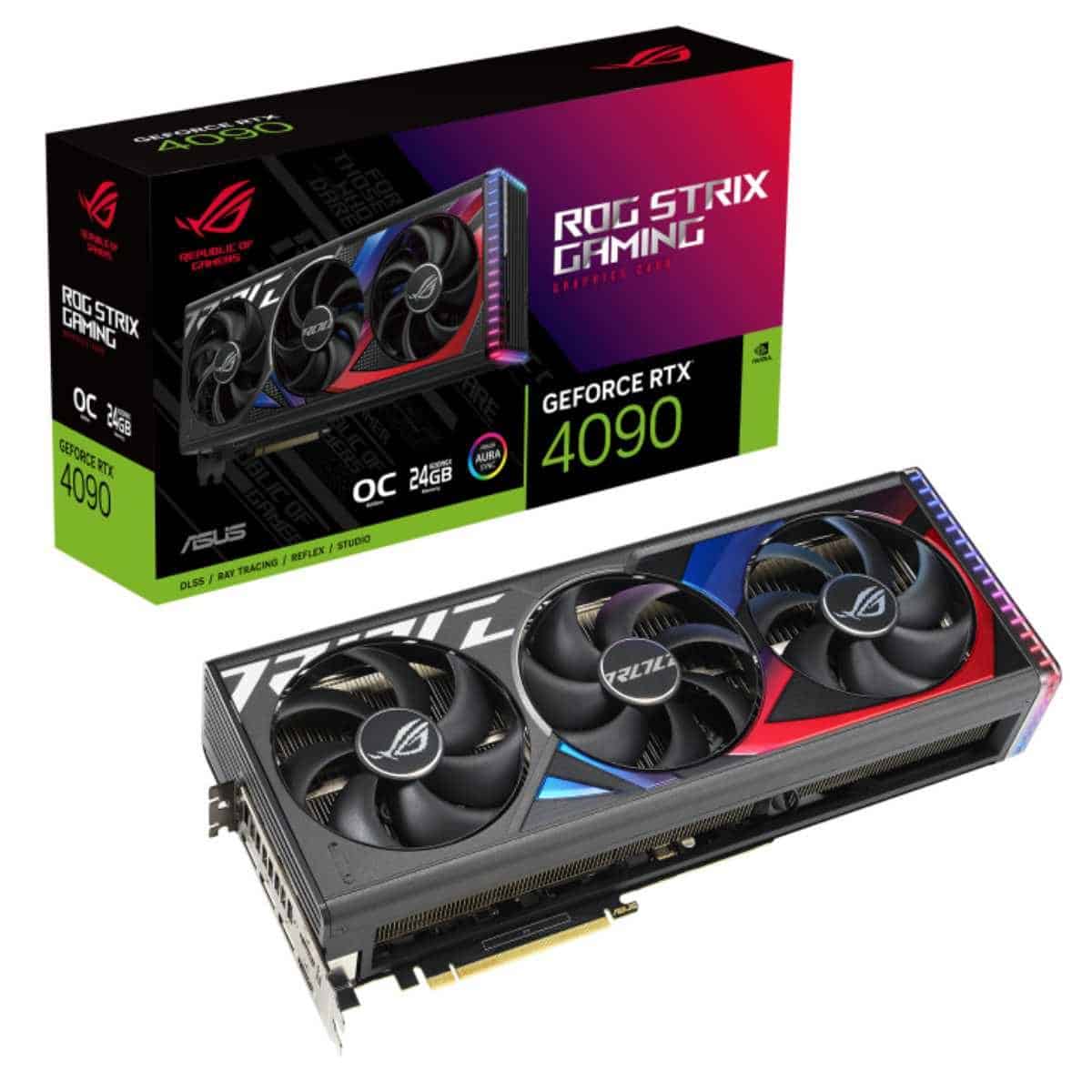
ASUS ROG Strix RTX 4090 OC
-
03

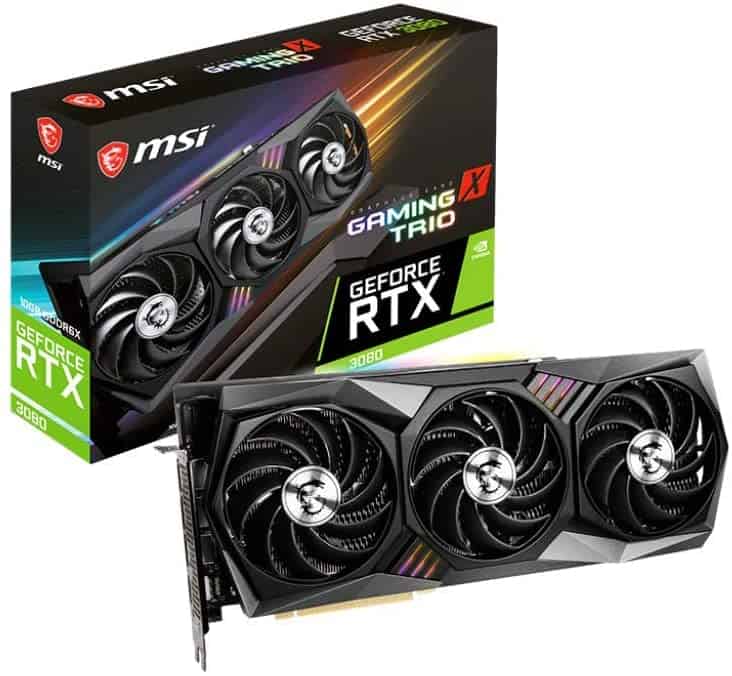
MSI Gaming GeForce RTX 3080 Gaming X Trio 10G







As you run your best graphics card through some intense GPU benchmarks, you may not know what the score tells you. So what is a good GPU benchmark score?
The GPU (Graphical Processing Unit) benchmark score measures the efficiency of your graphics card’s performance. A high score on benchmarks shows that it can efficiently and quickly handle complex tasks such as editing videos, gaming, and rendering.
If your GPU scores highly on these benchmarks, it can demonstrate superior efficiency in these areas. The most commonly employed method to assess performance is to use numbers to compare the card against other models with similar specifications.
An impressive GPU benchmark score depends on its intended use. Games with scores of 10,000 on the 3DMark Time Spy benchmark are considered sufficient for mid-priced GPUs, while higher-end models could reach over 20,000.
In professional applications such as 3D rendering or video editing, a score of 5,000 or higher on each of the Unigine Heaven and Cinebench tests is considered adequate.
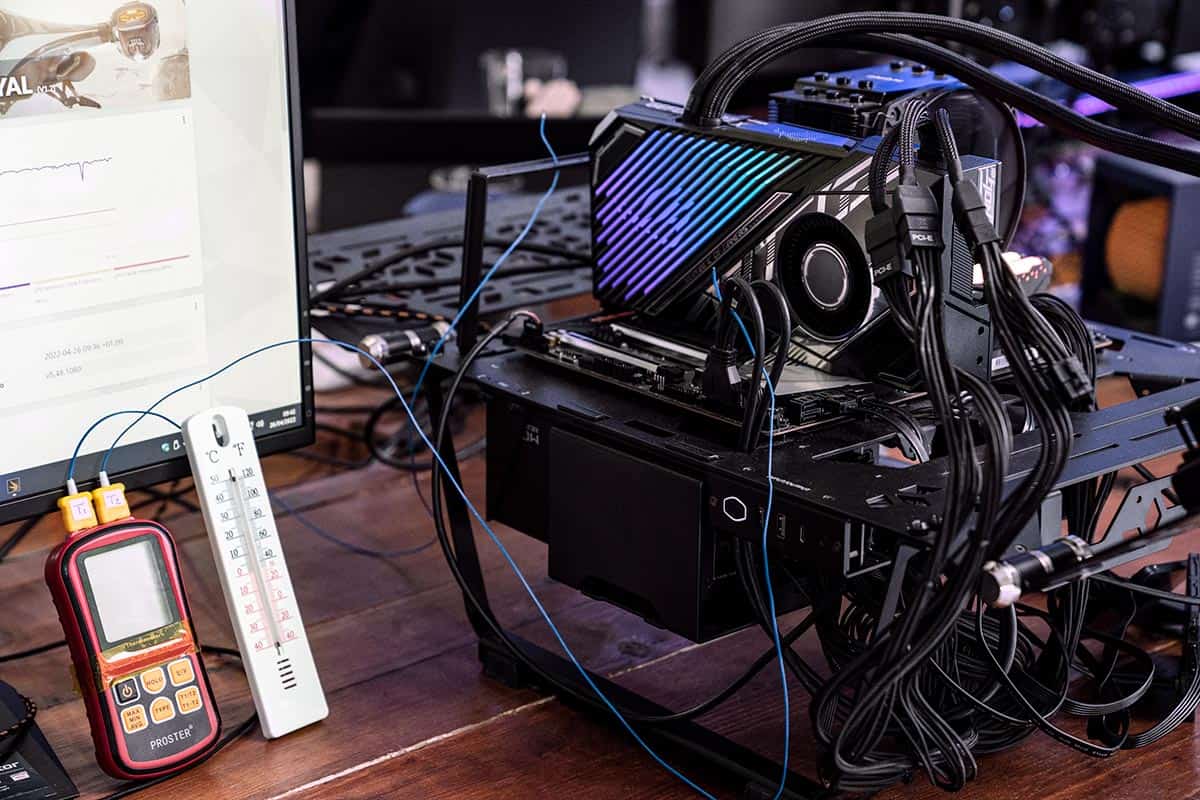
Most of those benchmarks will have a leaderboard, so you can compare your hardware. This will give you a good idea if you have any issues in your build.
It’s essential to be aware that the performance of your graphics card isn’t the only thing to take into account. Other vital factors include VRAM (Video RAM), clock speed, and thermal design power, as well as compatibility with other system components.
Interpreting GPU performance benchmarks requires familiarity with both the test itself and its hardware specifications.
Certain tests are designed to measure specific aspects of performance, such as shader or texture filtering capabilities; a top score does not guarantee similar efficiency across various scenarios.
Finally, a good GPU benchmark score indicates the GPU can efficiently and effectively complete the tasks assigned. When selecting the ideal graphics card, other factors like clock rate, VRAM memory size, and thermals must also be taken into consideration.
What constitutes a satisfactory GPU benchmark score will vary depending on the specific use case and benchmark being utilized. When assessing GPU performance, factors like workload complexity, desired level of performance, and compatibility with software and hardware requirements must all be taken into account.