
HDMI 2.1 vs DisplayPort 1.4
There is a few differences between the two ports and what they can offer and what exactly is it

Share this article...

WePC is reader-supported. When you buy through links on our site, we may earn an affiliate commission. Prices subject to change. Learn more
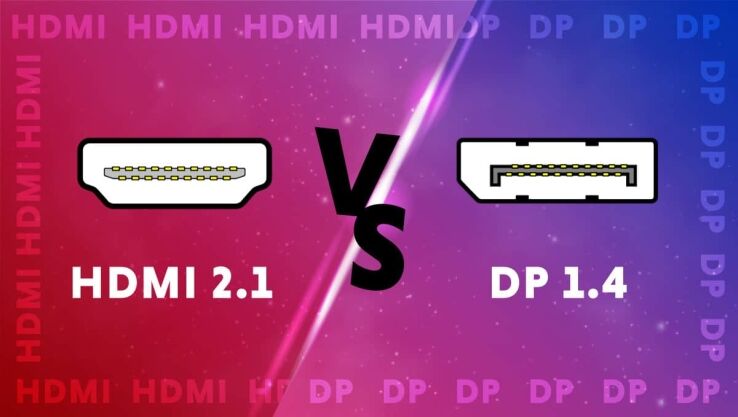
Since the beginning of time, DisplayPort has provided superior performance to the other display interface standards. However, HDMI 2.1 will change all of this. Comparing the new HDMI standard to the previous one reveals significant improvements.
The highest data transfer rate for DisplayPort 1.4 is approximately 32.4 Gbps (4GBps), but the maximum data transfer rate for HDMI 2.1 is about 48 Gbps (6GBps). The 4K 30 FPS resolution was supported by HDMI 1.4.
Additionally, 4K at 60 Hz and 8K at 30 Hz resolutions were supported by HDMI 2.0. The most recent HDMI 2.1 specification supports 4K at 120 Hz and 8K at 60 Hz. Customers will likely need clarification on these two display standards in such a situation.
The best contrast ratios are available on displays that enable HDR (High Dynamic Range). When compared to conventional screens, images on HDR displays appear far more vibrant.

With HDMI v2.1, dynamic HDR functionality was recently enabled in the interface. While HDMI 2.1 provides dynamic HDR, DisplayPort 1.4 only supports static HDR. While the DisplayPort interface can support up to 4 screens, the HDMI interface only supports one display. Additional displays must be connected using different HDMI connections if you want to use more than one.
You don’t need to give either option much thought if you can choose between devices that support DisplayPort 1.4 and HDMI 2.1.
With what they offer, the new HDMI and DisplayPort standards are impressive. You can choose either port if your system has both of them available. The DisplayPort connector can be used if you play a lot of games and need a daisy chain connection, but for practically all other uses, the HDMI port is preferable.
In 2020, the ordinary user will only need 8K at 60 Hz, supported by both DisplayPort 1.4 and HDMI 2.1. These will be the standard ports found even on the latest RTX 4000 series cards. Although AMD RDNA 3 has opted for a higher Displayport 2.1 port.


