
Why is my GPU benchmark score so low?
As you test out your system, you may find a lower score than expected

Share this article...

WePC is reader-supported. When you buy through links on our site, we may earn an affiliate commission. Prices subject to change. Learn more
-
 01
01
ASUS ROG Strix RTX 4090 OC


When you’re running your best GPU through some tests, the results may not be too promising. So what are some of the reasons why is my GPU benchmark score so low?
There could be several reasons why your GPU benchmark score is lower than anticipated. These can range from faulty hardware or software, to just the way your system is built.
But with plenty of reasons we will look at some of the main factors that you should look into.

Reasons for low GPU benchmark scores
Driver issues: outdated or corrupted graphics card drivers can have a detrimental effect on your benchmark score. Either updating or reinstalling them could give you some immediate improvement.
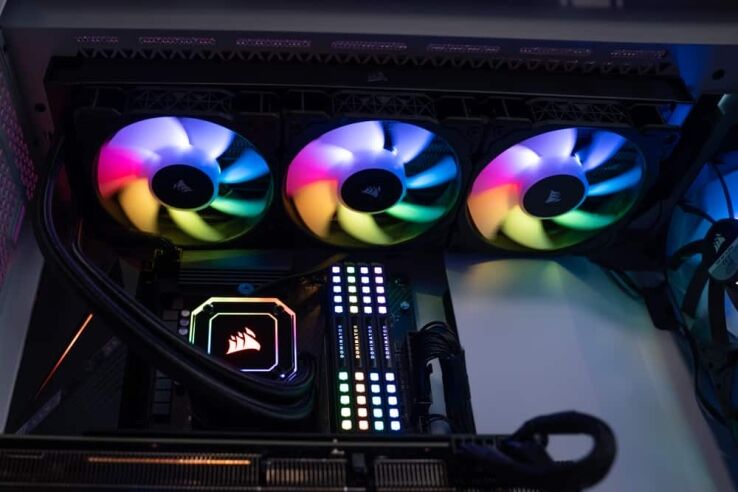
Overheating/Inadequate cooling: Overheating is another common issue that could degrade GPU performance. If your graphics card is running hot, it may slow down to protect itself from further damage.
Low-quality or insufficient power supply: If your graphics card’s power supply is inadequate, it can negatively impact performance. Make sure the one you have can supply enough electricity to run your GPU optimally.
Other programs running concurrently: If other applications are running simultaneously with your benchmark test, they could consume system resources and reduce GPU performance. Make sure you close any other applications prior to beginning this test of benchmarking.
System Configuration: Your benchmark score may be affected by the configuration of your system. For instance, if CPU or RAM is inadequate, they could impede GPU performance and result in lower benchmark scores.
Benchmark Settings: Before running the benchmark test, make sure you select the proper settings for your hardware configuration. Different tests may require different resolutions, anti-aliasing options, or texture quality; thus make sure the ones chosen correspond with what’s required by your benchmark test.
Overall, a low GPU benchmark score can be caused by several factors, including outdated or incompatible hardware, driver issues, overheating, insufficient power supply for other programs running in the background, system configuration, and benchmark settings.


