How to stream yourself on PSVR 2
Fancy yourself as a streamer? Here's how!

Share this article...

WePC is reader-supported. When you buy through links on our site, we may earn an affiliate commission. Prices subject to change. Learn more
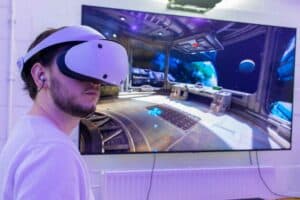
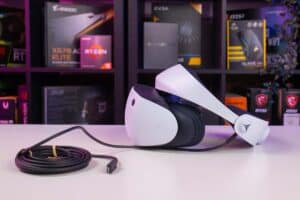
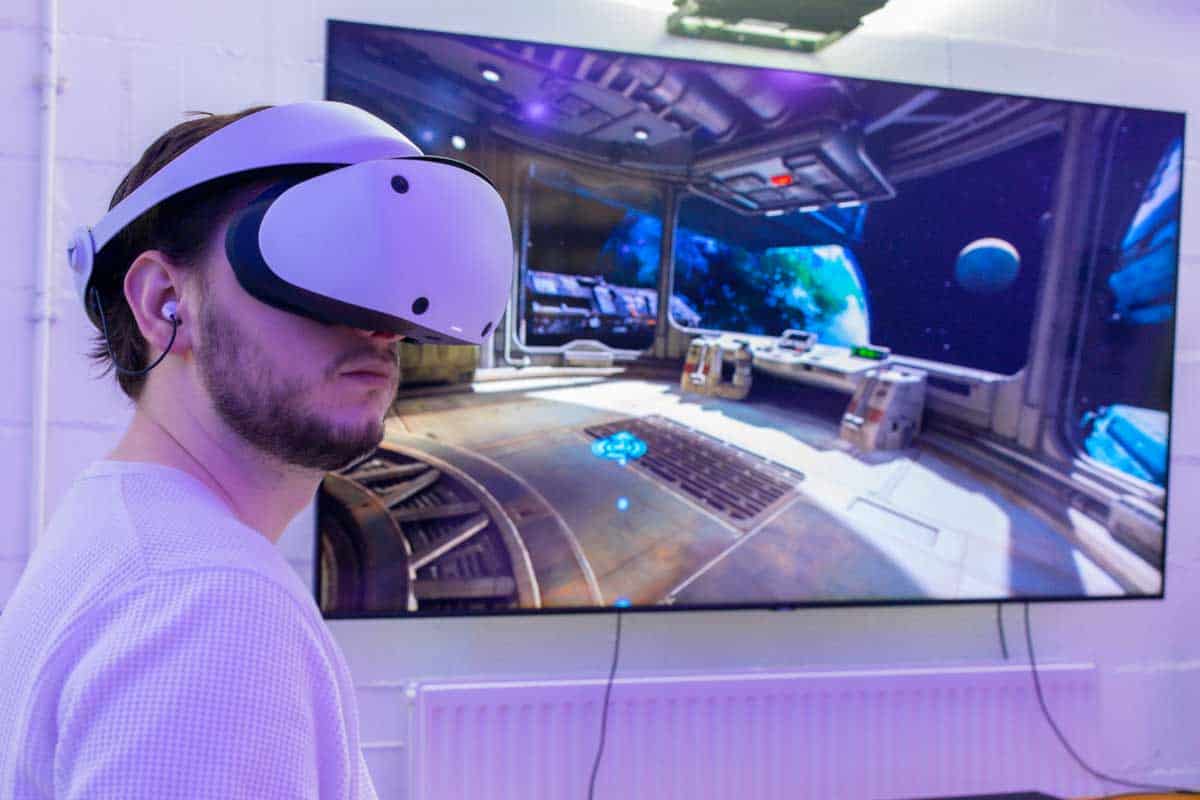
With all the exciting new features shared by Sony about the PSVR 2 headset, we just can’t wait to get our hands on this innovative VR headset. One of these exciting features allows you to stream yourself during your PSVR 2 playthroughs. So your friends will now be able to watch your movements and reactions in VR gameplay, in addition to watching your screen recordings.
NOW READ: PSVR 2 review
But how does it actually work? How to stream yourself on PSVR 2 playthroughs?
In this guide, we will share how you can stream yourself on PSVR 2 playthroughs using the new Broadcast feature on PSVR 2. So read on.
How to Stream Yourself on PSVR 2 Playthroughs?
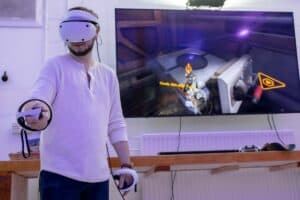
The new PSVR 2 comes with a new Broadcast feature that allows you to record yourself during your playthroughs. Although this feature was not made available in the review units of the PSVR 2, it allows players to film themselves and share their live reactions and movements with their friends.
To use the Broadcast feature, you will have to connect a P5 HD camera to your PS5 console. This mounted camera will record all your movements while you are immersed in VR gameplay.
You can use this feature along with the screen-recording feature in PS5 to record both your reactions as well as your gameplay simultaneously. While live-streaming their gameplay, gamers will be able to record themselves via the PS5 HD camera and broadcast their reactions as well in the corner of the feed.
The Broadcast feature comes embedded in the software of the PSVR 2. Use this awesome feature to stream yourself as well as your immersive playthroughs to share them with your friends.
More PSVR 2 stuff!
If you’re eager to know everything about the PSVR 2, you’re in luck, as we’ve written a lot of pages about the PSVR 2. For your convenience, we’ve listed it all below!
- Best Games for PSVR 2: What to look forward to!
- Does PSVR 2 Support HDR?
- Are the PSVR 2 controllers compatible with PS4?
- Can I Use PSVR Controllers on PSVR 2?
- Do I need a TV to use PSVR 2?
- Is PSVR 2 Multiplayer?
- PSVR 2 head size – Everything you need to know
- Does PSVR 2 work with PS4? No, and here’s why
- How to connect PSVR 2 to PS5: Quick PSVR 2 setup guide
- How to change PSVR 2 viewing modes?
- Where to buy PSVR 2 & pre order details (All regions)
- How To Sync PSVR 2 Sense Controller?
- How to turn the PSVR2 Sense controller on and off?
- Is The PS Move Controller compatible with PSVR 2?
- Is the DualSense Edge controller compatible with PSVR 2?
- Can you play normal PS5 games with PSVR 2? Cinematic mode explained
- Can you wear over ear headphones with the PSVR 2?
- Can you move while wearing the PSVR 2 headset?
- Does PSVR 2 track eye motion? Yes, but not in the creepy way
- What is PSVR 2 see through mode and how does it work?
- What size room do you need for PSVR 2?
- Can you wear glasses with PSVR 2?
- Vive XR Elite vs PSVR 2: Can console VR compete in 2024?
- Meta Quest Pro vs PSVR 2: Which is the best next-gen VR headset?
Can you stream the see through mode on PSVR 2?
Unfortunately, this is not possible. However, Sony might be able to add this capability later on
Do I need a PS camera to stream myself?
Not to stream gameplay, but if you want your viewers to see you blindly stumbling around your living room, then you can use the camera to do that too!