Best gaming mouse for jitter clicking in 2024
Here's the best gaming mouse for jitter clicking in 2024

Share this article...

WePC is reader-supported. When you buy through links on our site, we may earn an affiliate commission. Prices subject to change. Learn more
Today, we’ll find the best gaming mouse for jitter-clicking in the year of our lord, 2023. This should be a relatively easy task, as you can jitter-click on any mouse, so why not make it one of the best?
Despite the agitated name, jitter clicking is a pretty straightforward technique, though, much like drag clicking and butterfly clicking, it can take some extensive practice before it becomes truly effective at raising your CPS (clicks per second).
How to Jitter click
It’s a little hard to describe, as it’s not quite as specific as drag clicking or butterfly clicking. You don’t use certain fingers or modify your grip.
Essentially, you tense your hand into a claw and do what can only be described as a controlled spasm, and your hand has to be stiff enough to actuate the mouse buttons. Honestly, it’s not as effective or controlled as the other methods of upping your CPS.
Additionally, as you are making your hand vibrate, we don’t recommend this if you suffer or have suffered from Carpal Tunnel Syndrome. That being said, here is the best gaming mouse for jitter clicking.
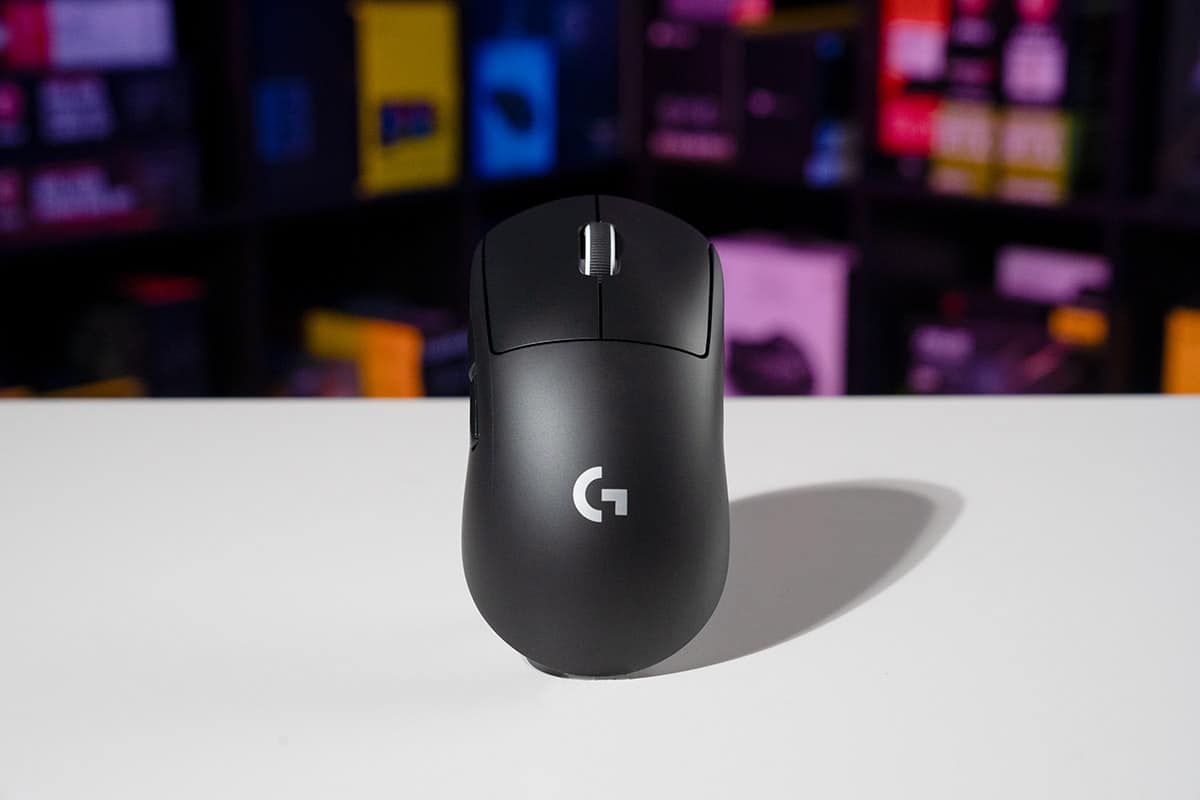
Best gaming mouse for jitter clicking: Logitech G Pro X Superlight
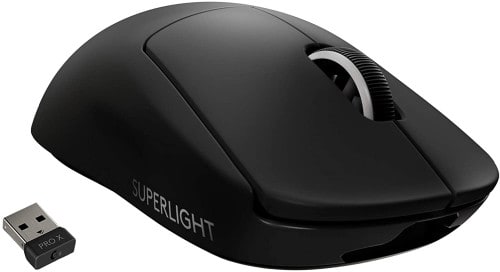
As we mentioned, jitter clicking doesn’t really require a specific shape, weight, or switch type. This means we can recommend any mouse, so we’ve gone with the best of the best, the Logitech G Pro X Superlight.

Logitech G PRO X Superlight
Sensor
HERO
DPI
100-25,600
Weight
63 grams
Size (H x W x D) mm
125 x 63.5 x 40
Buttons
6
The symmetrical shape, grippy surface finish, and industry-leading HERO 25K sensor all combine to make this the best gaming mouse on the market in 2024. However, despite being symmetrical, the two additional buttons are positioned such that left-handed users won’t be able to use them. Other than that, it’s easily our favorite, but want if you want something lower-cost.
Best budget gaming mouse for jitter clicking: Logitech G305
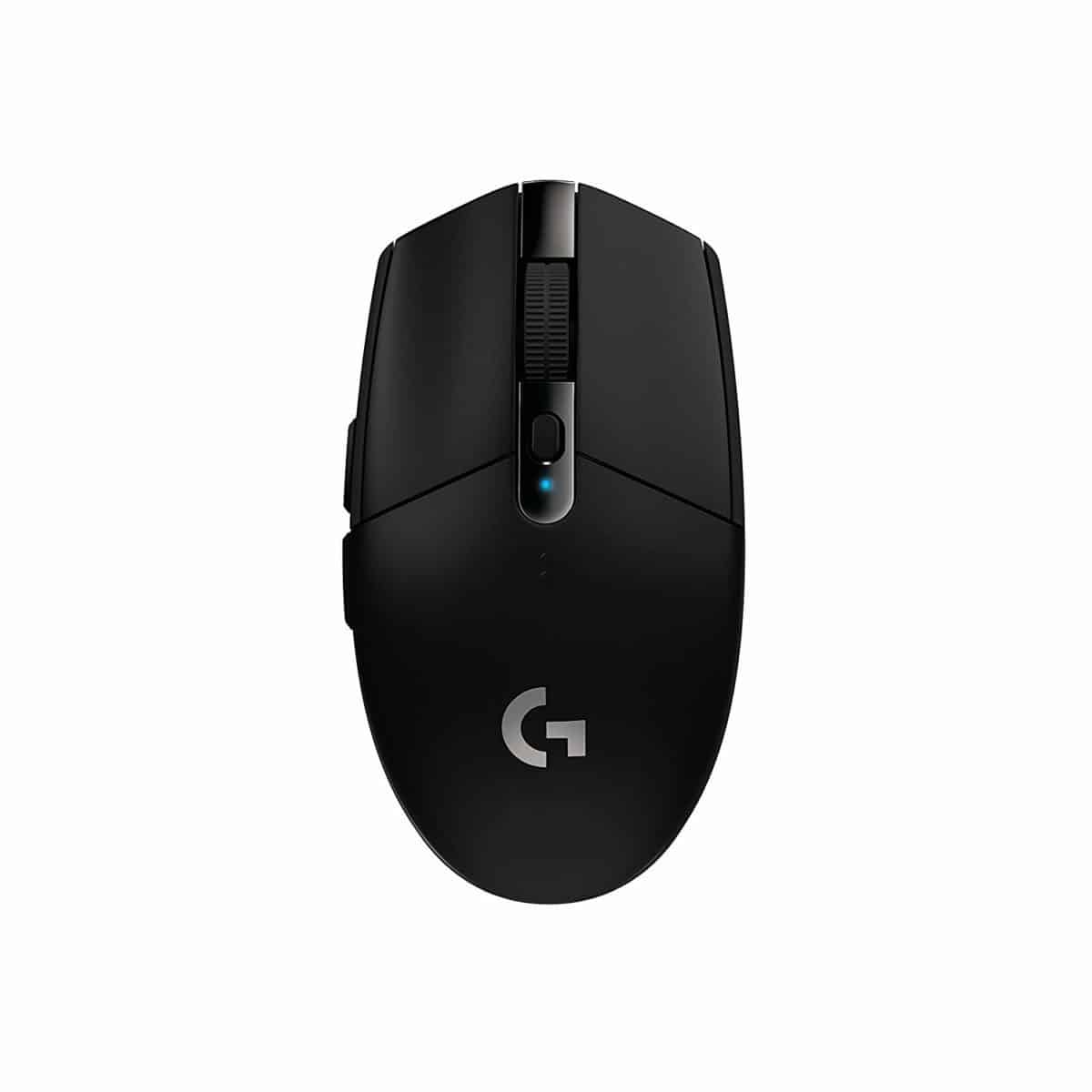
Of course, when it comes to budget gaming mice, Logitech has that product area covered too, and the G305 brings all the features you need in a gaming mouse, without inflating the price with stuff you don’t.
Logitech G305
DPI
12,000
Sensor
HERO (Optical)
Weight
98 Grams
Size
Small (116 x 52 x 38 mm)
Battery Life
250 Hours
Color
Black
Buttons
6